
St. Cloud Arrest Records
St. Cloud arrest records are available through the St. Cloud Police Department and the Stearns County Sheriff's Office. The city uses an online NextRequest portal for submitting police records requests to the department. The Stearns County jail roster shows current inmates held in the county. This page covers the main sources for St. Cloud arrest records and how to access them from official sources.
St. Cloud Quick Facts
St. Cloud Police Department
The St. Cloud Police Department handles law enforcement for the city at 101 11th Ave N, St. Cloud, MN 56303. St. Cloud is the county seat of Stearns County, so both the city police and the county sheriff have a presence here. Arrests made by city officers are processed through the St. Cloud PD. Those that result in jail time go to the Stearns County jail. The main police line is (320) 251-1200. For records-specific questions, call (320) 251-1200 ext. 2.
The department uses an online portal system called NextRequest for all public records requests. This system tracks your request and sends updates by email as the department processes it. You can message the department through the portal and check status without calling in. Federal and state laws control what data can be released and in what form. The department notes that information provided in records requests is itself public data and may be released to others by the department as well.
| Department | St. Cloud Police Department |
|---|---|
| Address | 101 11th Ave N, St. Cloud, MN 56303 |
| Phone | (320) 251-1200 |
| Records Line | (320) 251-1200 ext. 2 |
| Website | St. Cloud Police Department |
| Records Portal | cityofstcloudmn-pd.nextrequest.com |
| Public Records Info | stcloudmn.gov/242/Police |
| Annual Reports | stcloudmn.gov/Police |
The public records page at stcloudmn.gov/242/Police explains what types of records are available and how to request them. Annual crime data and statistics are also published on the city website and give a broader view of arrest trends in St. Cloud over time.
Requesting St. Cloud Arrest Records
The St. Cloud Police Department uses the NextRequest portal for all records requests. Submit your request online to get the process started. The system lets you track the status of your request and communicate directly with the department. This is faster than mailing a letter and gives you a clear record of the exchange and the department's responses.
Be specific in your request. Include the full name of the person, the date range of the incident or arrest, any known case numbers, and the type of records you need. The department handles requests under the Minnesota Government Data Practices Act. Laws that govern data release are frequently updated, and the department makes every effort to comply with current state law at the time of each request.
You can also contact the department directly if you have questions before you submit. Call (320) 251-1200 ext. 2 to reach the records line. In-person requests can be made at the department at 101 11th Ave N during business hours. Check the police department page for current hours and any changes to office availability.
Note: Some data may be private or confidential under Minnesota law, including active investigative data, juvenile records, and information that could endanger witnesses or victims. The department will tell you what it can and cannot release when it responds to your specific request.
St. Cloud Police Records Online
The St. Cloud Police Department website is your starting point for arrest records information and all records request tools available from the city.
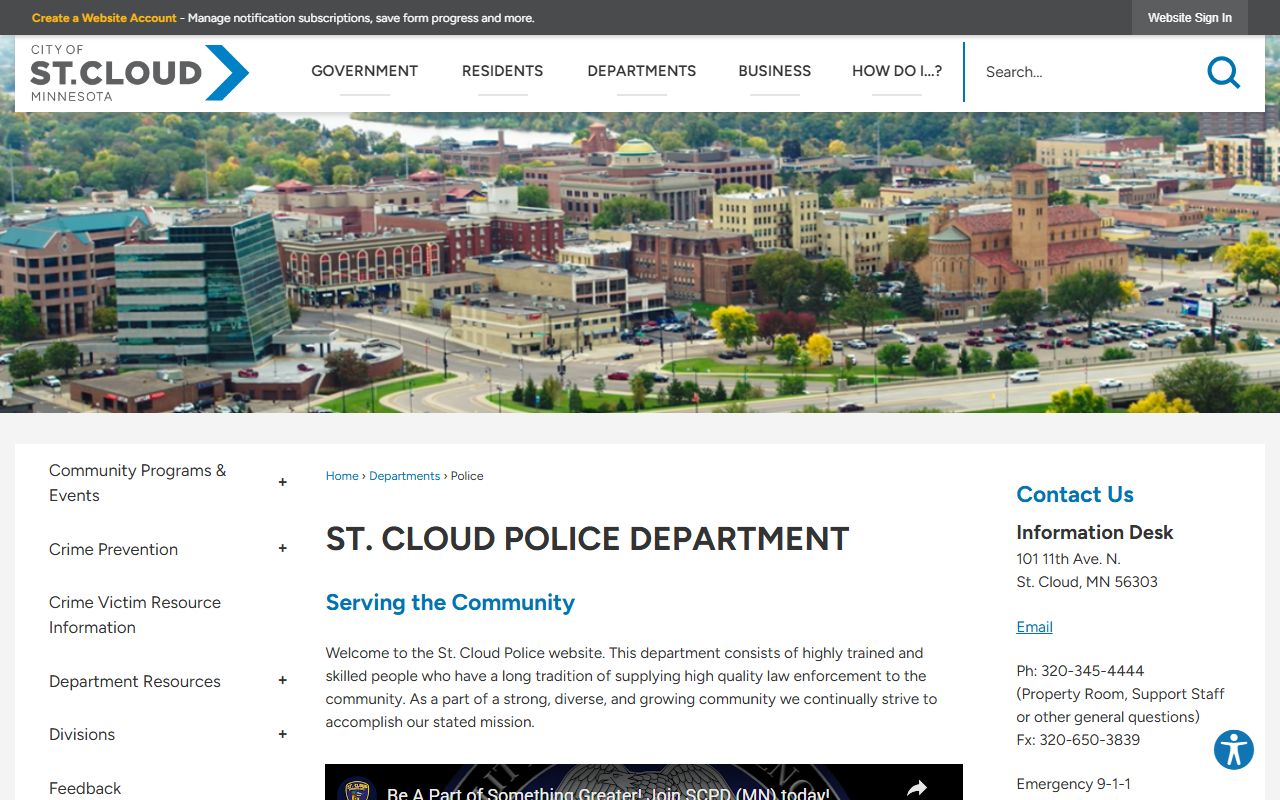
The police department page includes contact information, department news, and links to the records request portal and public data resources for St. Cloud.
The NextRequest records portal is where you submit all data requests to the St. Cloud Police Department from any device.
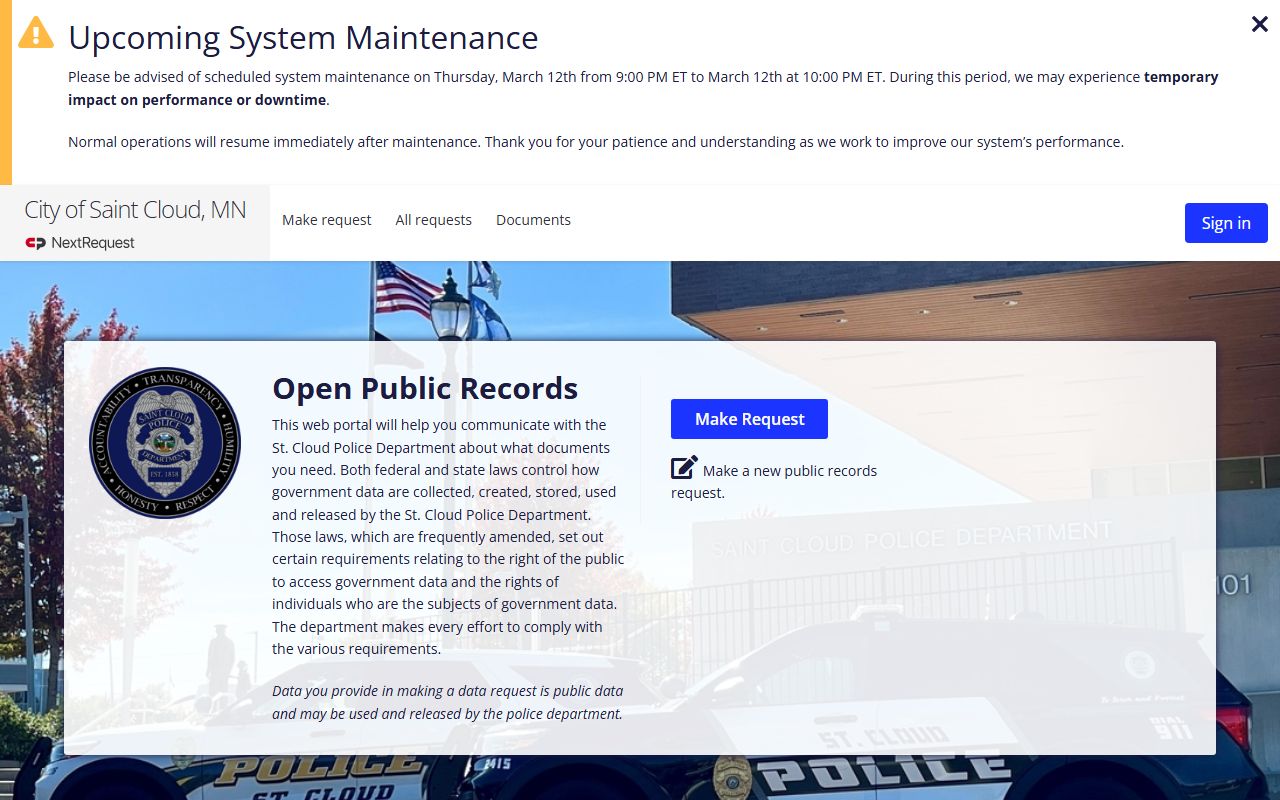
Once submitted, the portal sends you email updates and lets you message the department directly about your request without calling in or visiting in person.
The public records searches page explains what types of data the city makes available and how to search for them before filing a formal request.
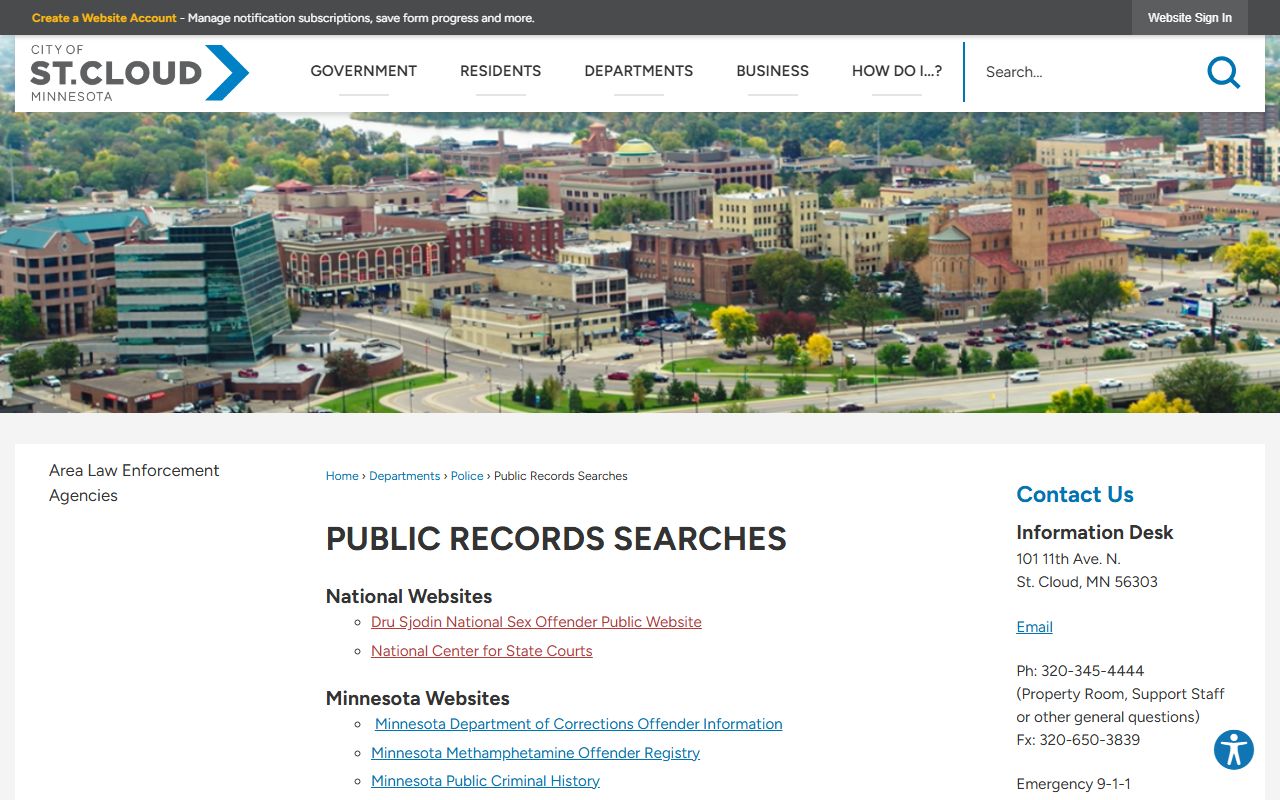
This page is a useful starting point if you are not sure what kind of request to submit or which office handles the type of data you need in St. Cloud.
The department's annual reports page provides year-by-year summaries of police activity, including arrest totals and crime statistics for the city.
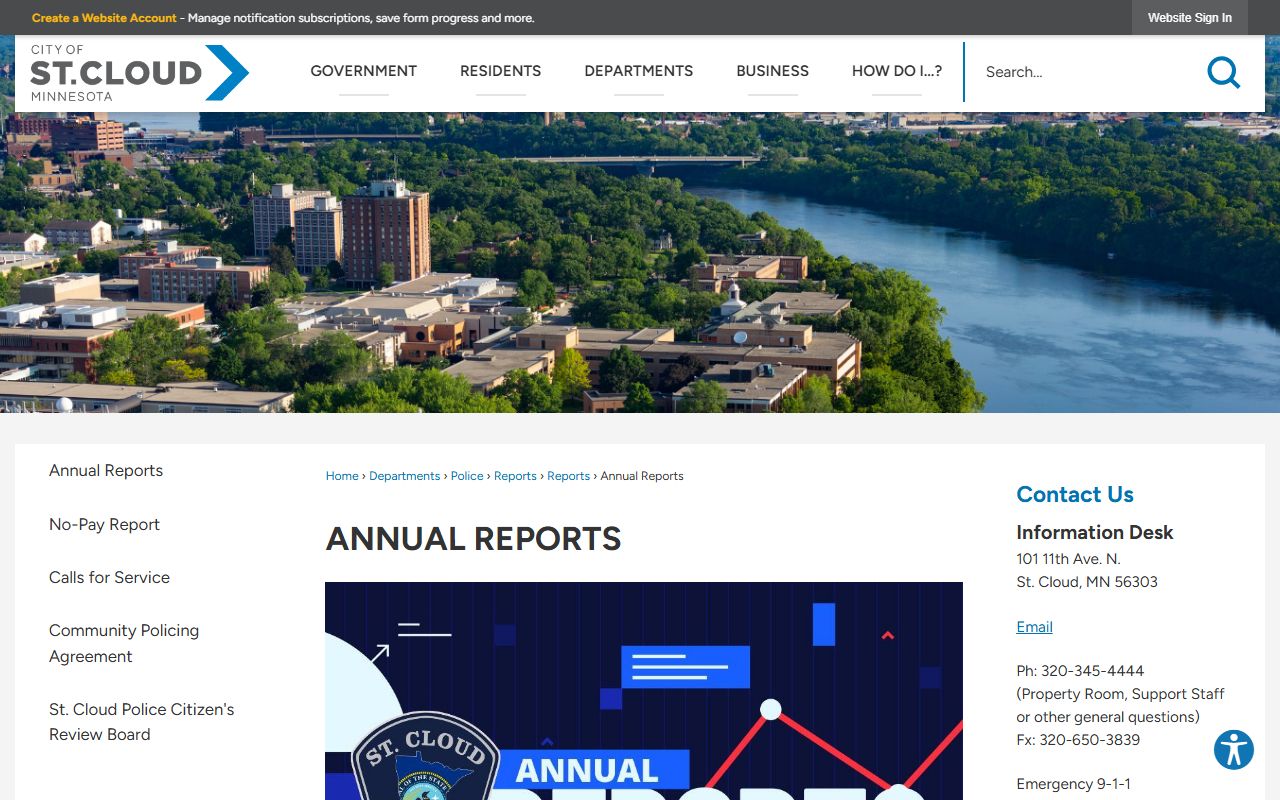
Annual reports give you context about arrest patterns and crime trends in St. Cloud without needing to request individual case data from the department.
Stearns County Jail and Booking Records
St. Cloud is the county seat of Stearns County, and many arrests in the city result in booking at the Stearns County jail. The Stearns County Sheriff's Office maintains the jail roster. You can search current inmates at the Sheriff's Office website to see who is currently in custody at the Stearns County jail by name. The roster is updated regularly and is free to search without any account or login.
For warrant information, contact the Stearns County Sheriff's Office directly. Criminal case records from court proceedings handled in Stearns County are also available through the county's court system. That includes cases stemming from St. Cloud Police Department arrests that went to the 7th Judicial District.
The county maintains records on all bookings including name, charges, booking date, and release information when available. For records involving older cases, contact Stearns County Corrections or the Court Administrator directly. The Stearns County jail and court records are separate from the St. Cloud PD records, so you may need to request from both systems for a complete picture of an arrest through court disposition.
State Resources for St. Cloud Arrest Records
Beyond the city and county, several state tools let you search for criminal history and court records tied to St. Cloud without filing a formal data request.
The Minnesota Bureau of Criminal Apprehension operates the Public Criminal History Search. This free tool shows conviction records and charge history statewide. Search by name and date of birth. The BCA system covers all counties, so cases from St. Cloud and Stearns County appear here if they resulted in charges or convictions. It is a good first check before you submit a full records request.
Minnesota Court Records Online at publicaccess.courts.state.mn.us covers court filings statewide. St. Cloud cases go through the 7th Judicial District in Stearns County. Search by name or case number to find charges, case status, and docket entries. This tool does not require a login and is free to use from any device.
VINELink lets you search inmate custody status across Minnesota counties. Enter a person's name or ID to see if they are currently held in Stearns County or another facility. You can also register for release notifications. The Minnesota Department of Corrections offender search at coms.doc.state.mn.us covers people currently in state prison or on supervised release after a St. Cloud area conviction.
Stearns County Arrest Records
St. Cloud is in Stearns County and serves as the county seat. Stearns County handles all jail bookings, warrant records, and criminal court processing for St. Cloud arrests. The county also maintains a public criminal case search and an active jail roster. For county-level arrest resources and information, visit the Stearns County arrest records page.
Other Minnesota Cities
St. Cloud is in central Minnesota, outside the Twin Cities metro area. For arrest records in other qualifying Minnesota cities, see the links below.